What is this website?
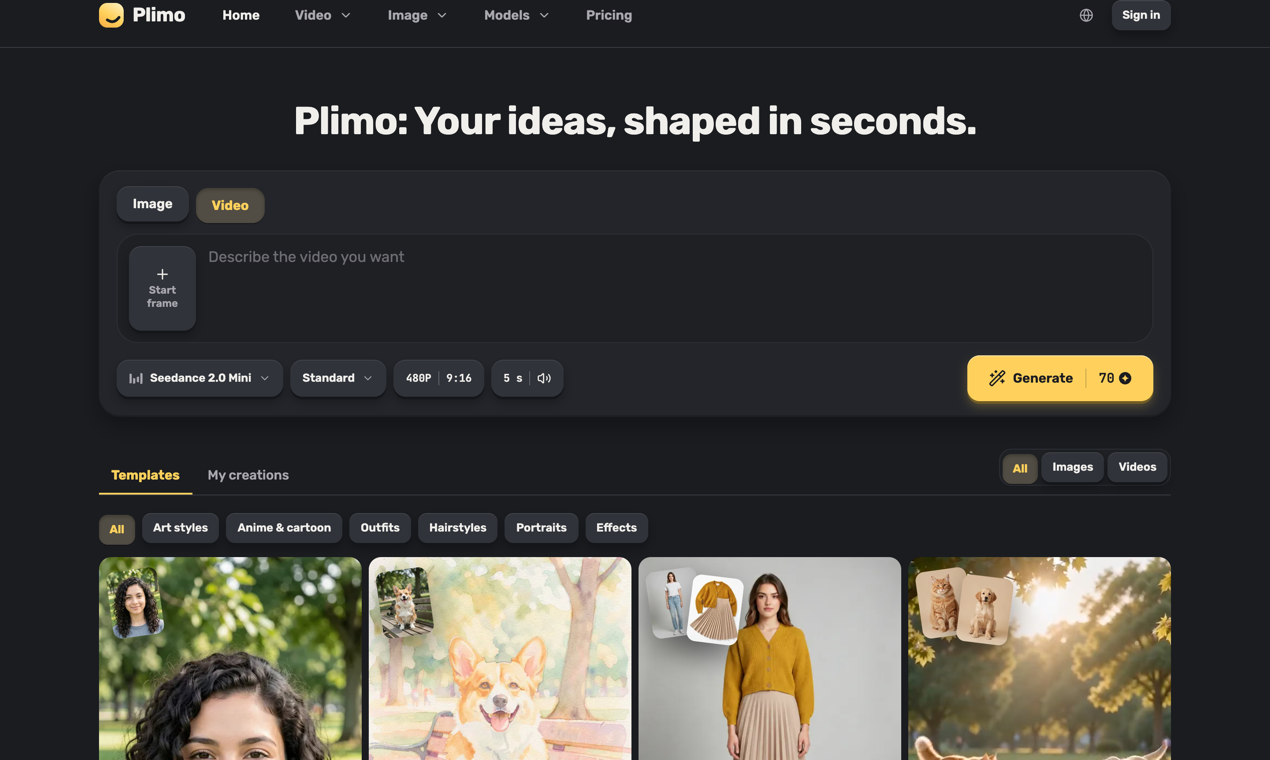
Plimo is an online creation workspace that puts multiple AI image and video models in one account. The practical problem it targets is friction: the same idea often means signing up for several consoles and relearning each one. Here, a short written scene can become a clip with sound, and a photo can feed image-to-video, motion transfer, or everyday edits. It fits creators and small teams who want to try shots, compare models, and avoid hopping between separate tools.
Key features
- Text to video: turn a one- or two-sentence scene into a short clip with sound, with length and aspect ratio options
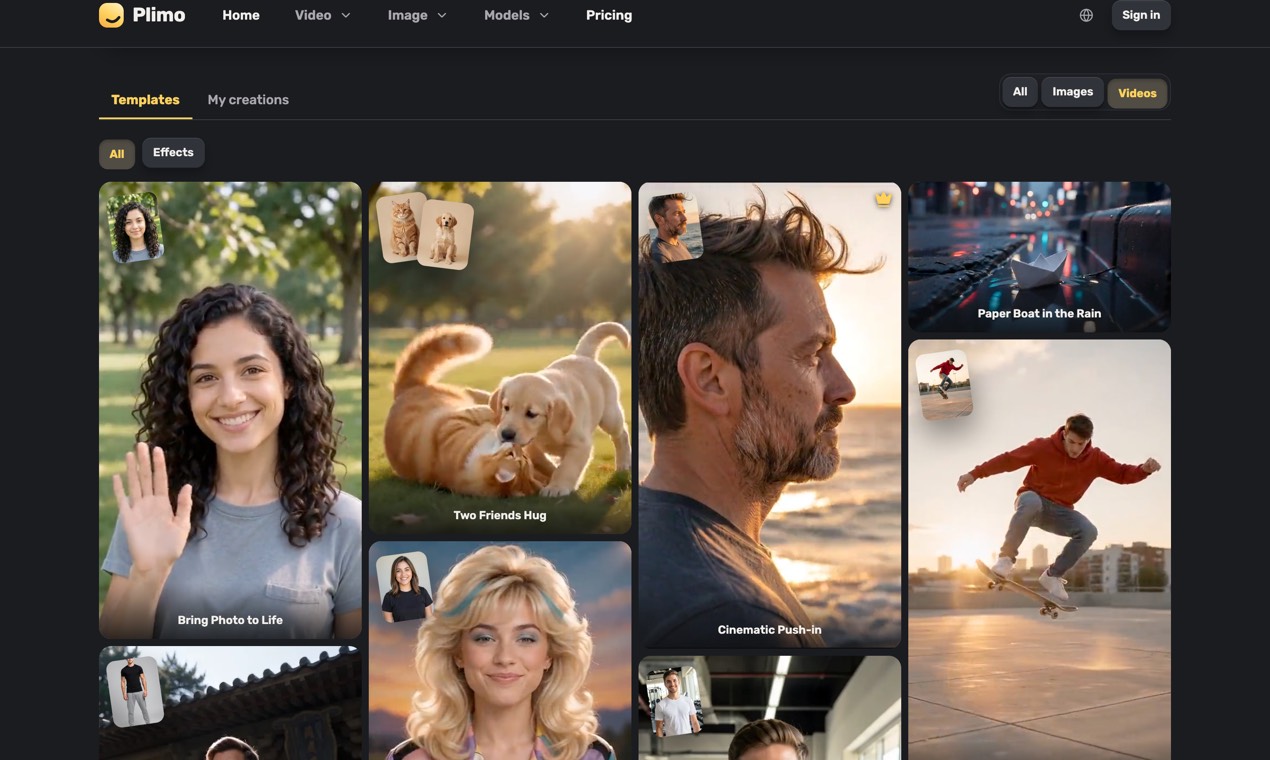
- Image to video and motion control: animate still photos, or transfer moves from a reference video
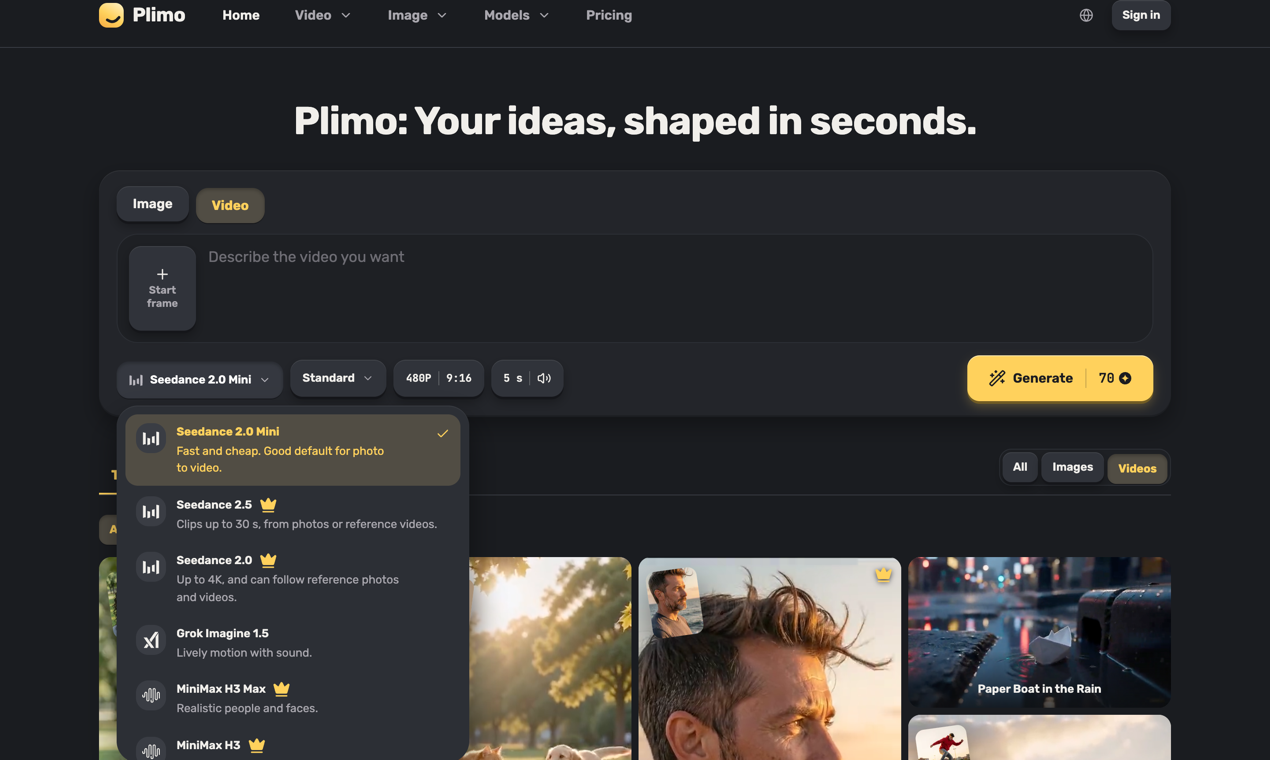
- Multiple models in one account: switch among video models such as Kling, Veo, Seedance, and Wan, plus several image models
- Social template library: apply trending templates to lower the prompt barrier
- Image toolkit: headshots, clothes/hairstyle changes, and common local edits
- Visible credit cost before generate: failed runs refund credits; downloads have no watermark
Common use cases
- Short-form creators write one camera sentence, generate vertical footage with text-to-video, then post to TikTok or Reels
- Online sellers shoot a product on a phone and use image generation for alternate backgrounds and display shots
- Families upload old photos and use image-to-video for a few seconds of motion keepsakes
- Job seekers turn a selfie into a cleaner headshot-style portrait for a resume or profile
- Social operators try a trending template first, then decide whether to refine the prompt
Who is it for?
- Creators who publish images and short videos often and want to compare several models in one place
- Ecommerce and social operators who care about asset throughput and can work with a credit system
- Users who want to try text-to-video with sound without opening separate accounts for each model vendor
- Poor fit: teams that need a full professional NLE timeline, local deployment, or offline workflows
- Poor fit: users who need commercial rights on free credits, or long retention without a paid plan
How does it compare with similar tools?
Use these checks to decide whether Plimo is a better fit than a single-model vendor site:
- Entry point: multi-model plus templates versus one official console
- Workflow: whether you need text-to-video, image-to-video, motion control, and everyday image edits together
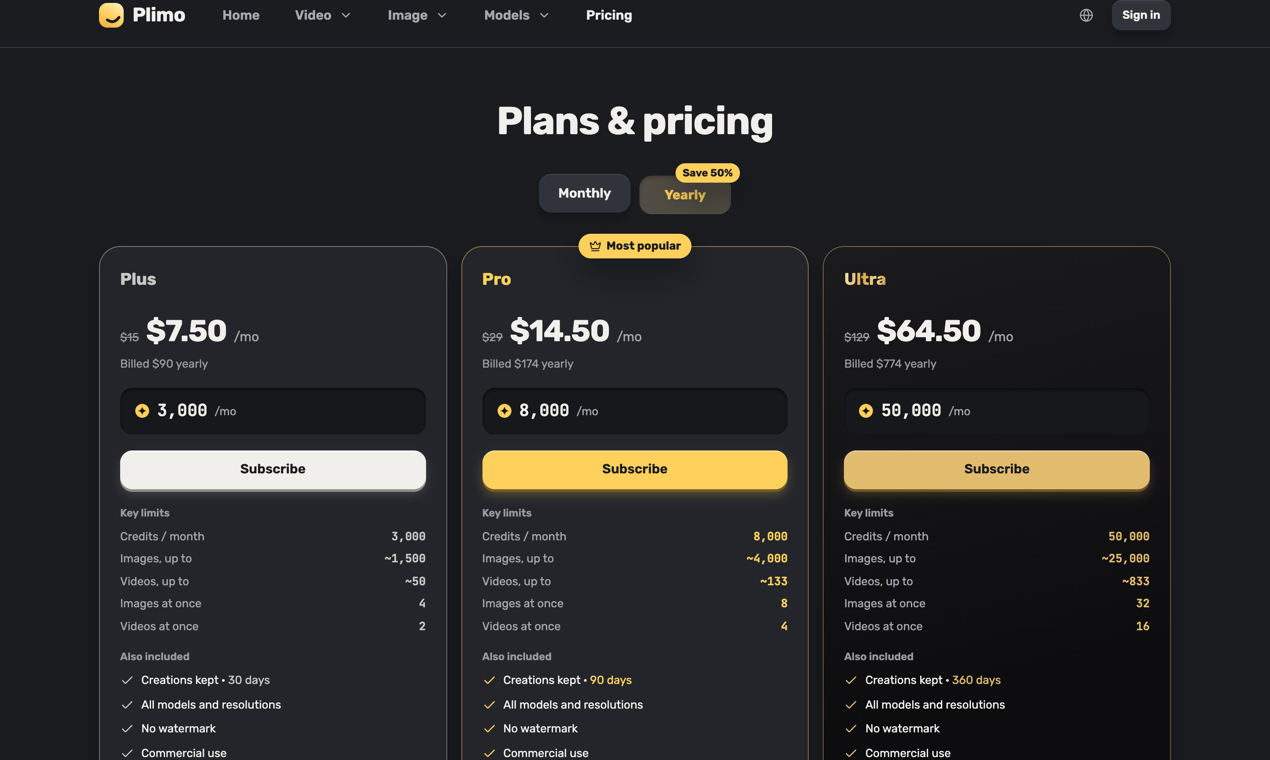
- Billing and rights: free trial credits, membership commercial use, retention windows, and concurrency limits
- Output shape: whether you need sound at generation time, vertical/horizontal framing, and watermark-free downloads
If you depend on one model's deepest parameters and official surface, that vendor site is often simpler. If switching models for the same shot and shipping faster via templates matters more, an aggregated entry point cuts switching cost.
FAQ
Q: Is Plimo free to use?
A: You can start free. New accounts get 100 one-time credits that do not expire; the free tier is mostly trial models and lower resolution, and commercial use requires a membership plan.
Q: How long can text-to-video clips be, and do they include sound?
A: The site states some models support clips up to about 30 seconds in one take, with sound based on what you describe; limits depend on the selected model.
Q: Do failed generations still spend credits?
A: The product UI shows credit cost before you generate, and failed runs refund those credits.
Q: Can non-members use results commercially?
A: Per the official pricing/FAQ copy, non-member results are for personal non-commercial use; commercial use needs a membership.