

What is this website?
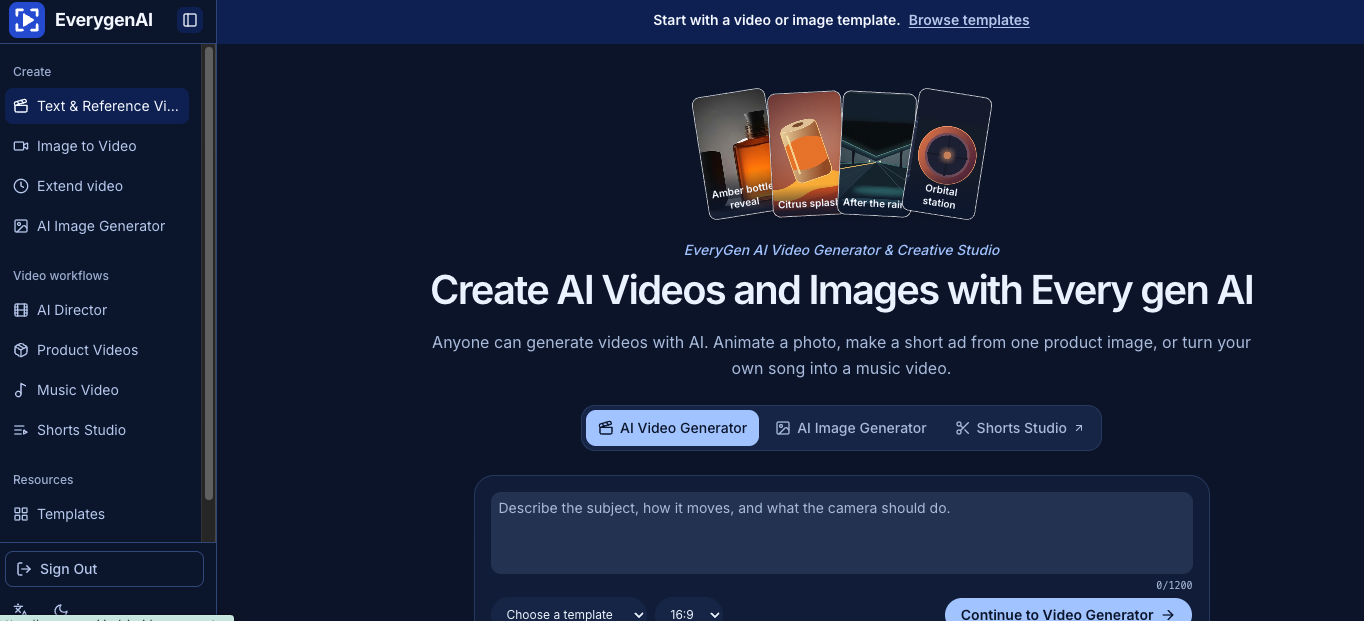
EverygenAI is a web-based AI video and image creative studio. It is built for people who need a usable shot quickly: describe a camera move in text, start from a product photo with image-to-video, or open a template that already suggests framing and motion. Image generation, image-to-video, product-clip workflows, and vertical shot planning live in one place. The point is a workable clip or shot list—not a replacement for a full NLE.
Core features
- Text- or image-driven AI video generation with aspect ratio and motion controls
- Image-to-video from a product still or opening frame, with an optional end frame for composition
- AI image generation and reference editing for first frames or product visuals
- Shorts Studio for hook, main shot, and ending as a vertical storyboard or shot list
- Music-video flow that pairs a song with a lead visual direction
- Templates spanning product reveals, animal stories, VFX-style clips, and more
Common use cases
- An ecommerce seller with one product photo needs a slow reveal or vertical ad test before a full shoot
- A short-form creator tries a few camera moves and framings from templates or prompts, then decides what to polish
- A musician uploads a track and a lead image to draft a music video cut to the song
- A content team builds hooks and shot order in Shorts Studio, then hands the plan to editors or production
Who is it for?
- Ecommerce and social teams validating product-clip ideas quickly
- Short-video creators who generate AI shots first and refine later
- Independent musicians who want a visual draft for a track
- Less suitable for: professional post teams that need multi-track editing, complex caption pipelines, or strict brand control (treat it as a source of plates and boards instead)
How does it compare to similar tools?
Judge fit on three axes: whether your inputs are mainly a still, a prompt, or a template rather than a timeline; whether you need a short clip or shot list versus a deliverable edit; and whether you want first-frame images and video in one workspace. If you depend on CapCut/Premiere-style editing or deep single-model tuning, EverygenAI works better as a front-end ideation and preview tool.
FAQ
Q: Can EverygenAI turn a photo into a video?
A: Yes. Use the image-to-video path, or start from a template/prompt that sets motion and aspect ratio before generation.
Q: Does Shorts Studio export a finished video?
A: It mainly exports a vertical storyboard or shot list (hook, main shot, ending) for later generation or editing—not a full multi-track project.
Q: Do I need advanced prompt writing skills?
A: No. Start from a template and adjust motion and framing, or begin from plain text or a single photo.


