What is this website?
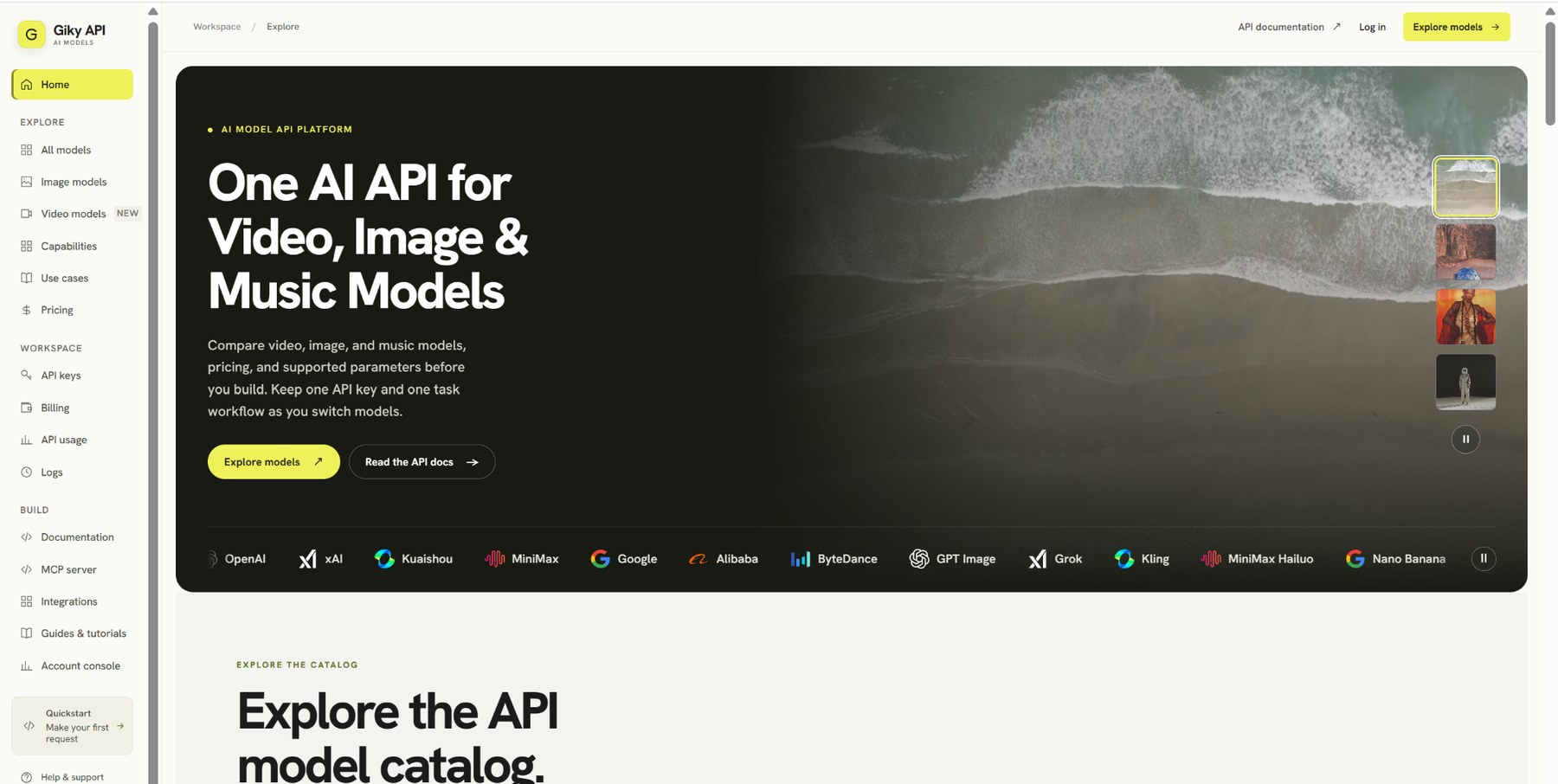
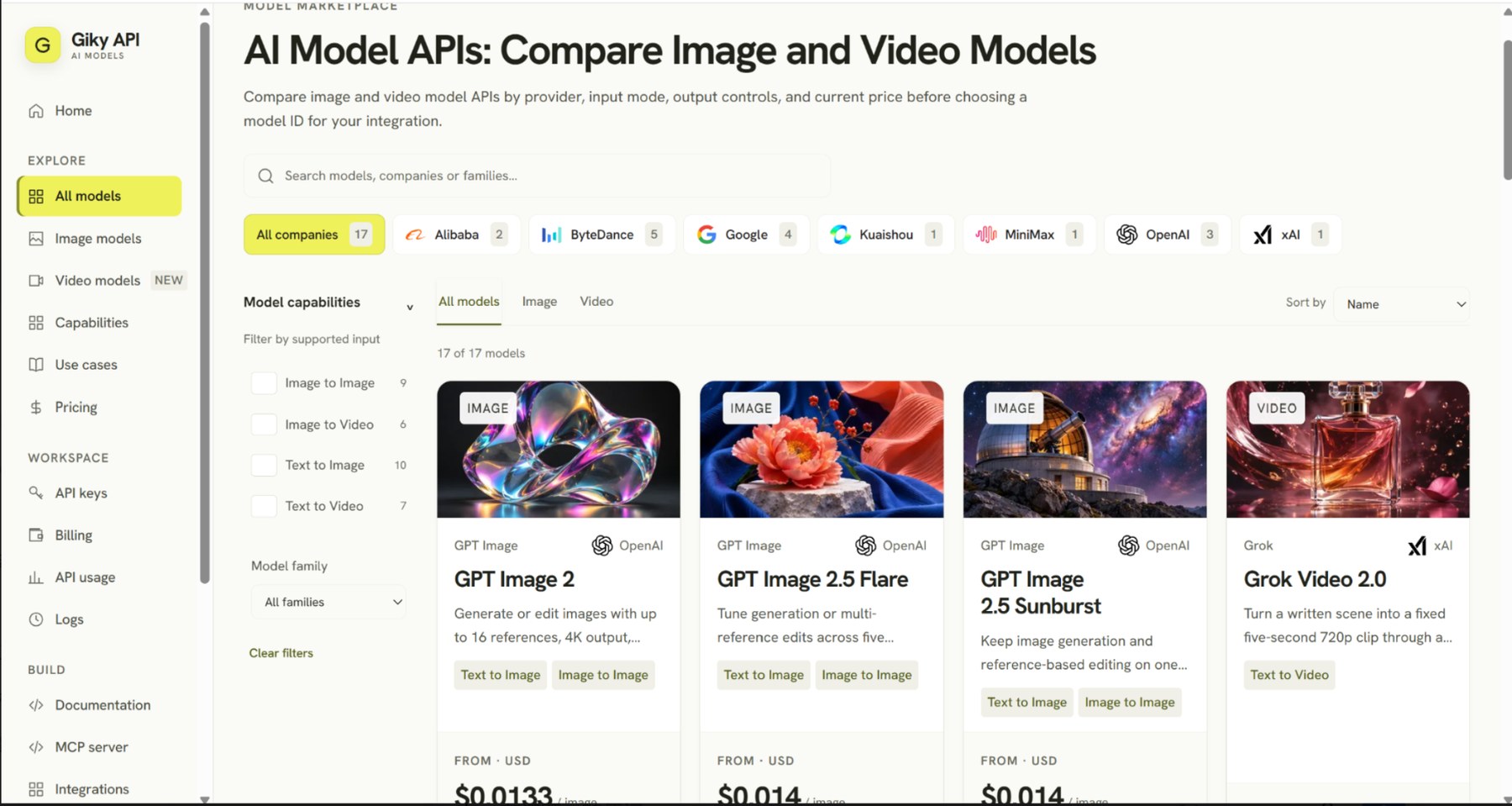
Giky API is a unified generative AI API platform for developers and AI agents. It exposes image and video generation models from multiple providers through one REST API and a hosted MCP server, so an app or agent can discover models, inspect parameters and prices, then create a generation task after confirmation. It fits teams that want multi-model access without maintaining a separate integration and bill for each vendor.
Key features
- Call multiple image and video models with one API key
- Hosted MCP for compatible clients such as Claude Code, Codex, and Cursor
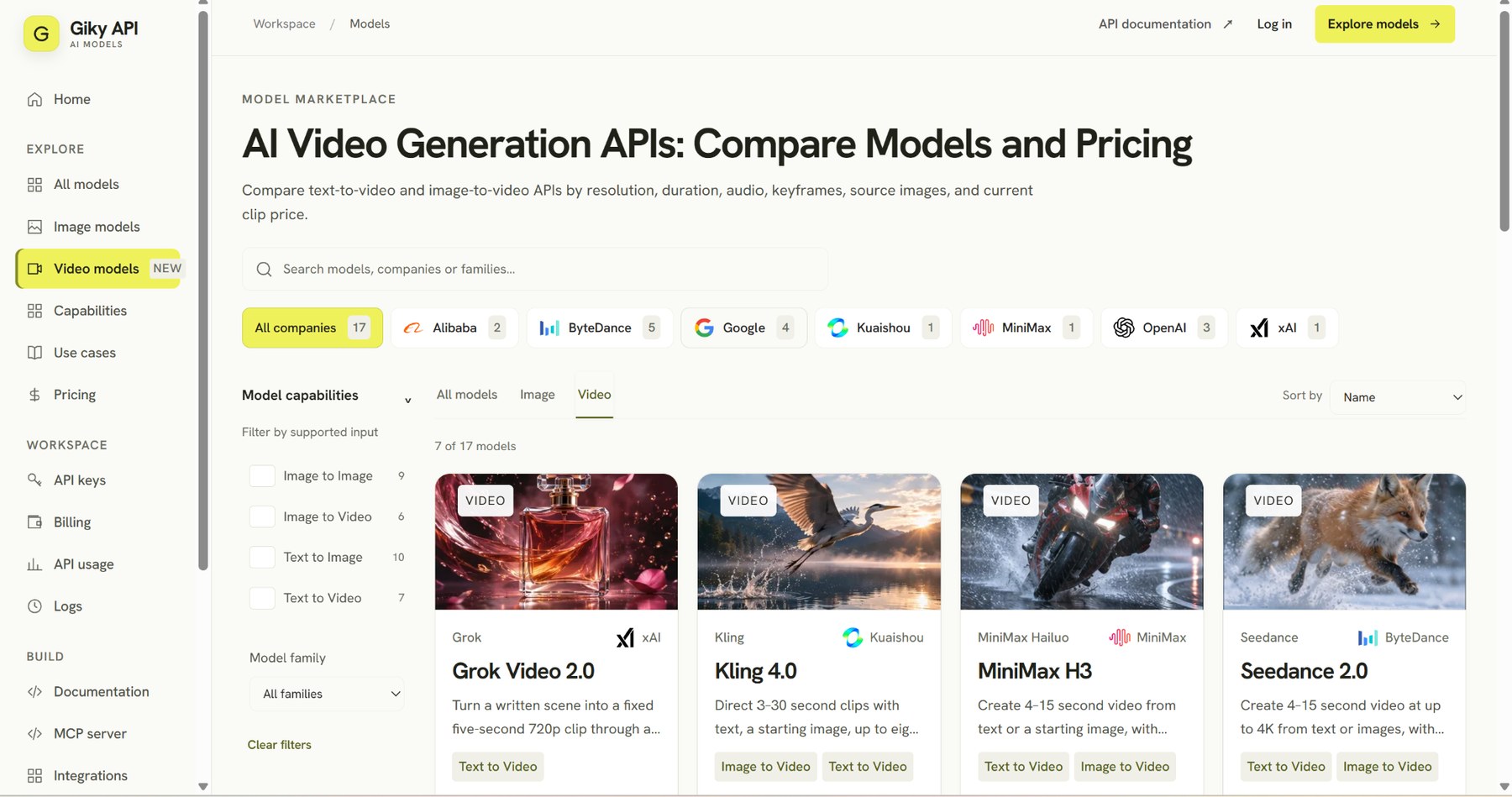
- Compare generation prices by model and configuration before running a job
- Require explicit approval for paid tasks, with idempotency keys to reduce duplicate charges
- Review usage, billing, and task logs in the console
Common use cases
- Indie developers building multi-model SaaS products switch image or video models per job after a single integration
- Agent builders add image and video generation to Claude Code or Cursor, letting the agent discover models and run jobs after user approval
- Video and creative-tool teams wire text-to-video or image-to-video into their own workflows
- E-commerce and marketing teams generate product images and ad creatives while comparing model prices
Who is it for?
- Developers and SaaS teams that need one integration across several generative models
- Builders who want to give AI agents creative generation via MCP
- Automation or AdTech teams that compare configurations and pay from account balance
- Not a fit for non-technical users who only want a click-to-generate website
- Not a fit when compliance requires a direct official vendor API with no aggregation layer
How does it compare?
Decide with these angles: whether you need one integration with model switching; whether generation should run through an agent (MCP) rather than only manual calls; and whether pay-per-generation from a shared balance works better than a single-vendor subscription. If you already standardize on one official SDK, calling that vendor directly is usually simpler.
FAQ
Q: How is Giky API different from a single vendor's official API?
A: It puts multiple image and video models behind one interface and balance, and offers MCP so agents can discover models and create tasks. An official API usually covers only that vendor's models.
Q: Can I use it without writing application code?
A: Yes, through a compatible MCP client. Model discovery can work without a key; account actions and paid generation need a valid API key.
Q: How is pricing calculated?
A: Cost depends on the selected model and settings such as resolution and duration, charged from account balance. The pricing page compares unit prices by model.