

What is this website?
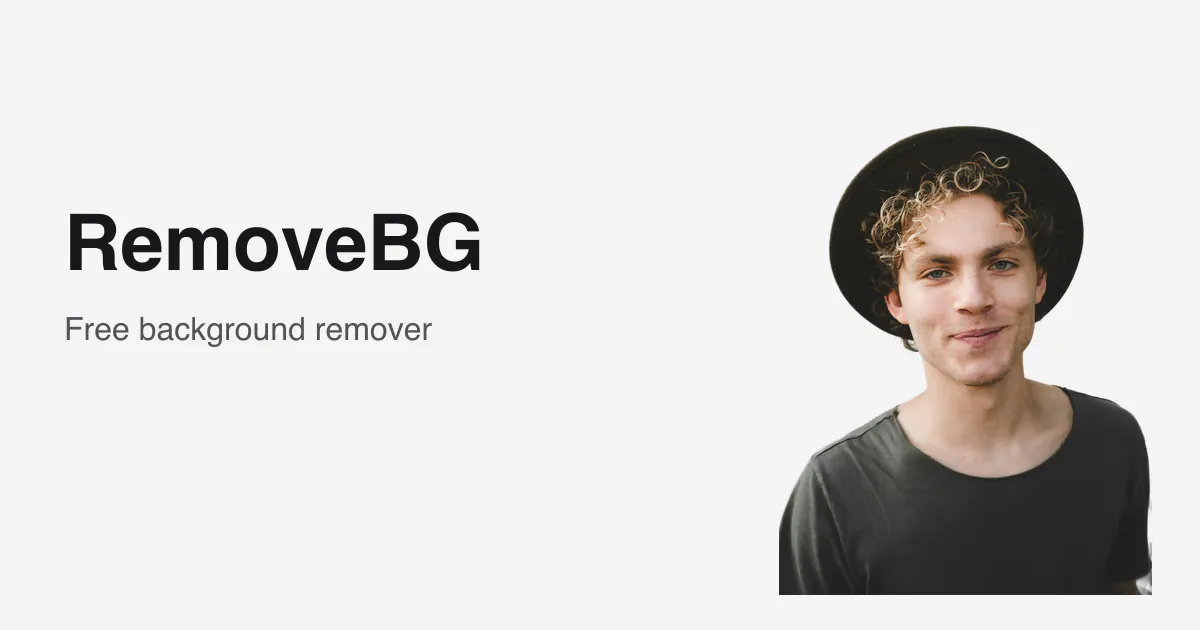
RemoveBG (removebg.page) is a browser background remover that cuts a subject from JPG, PNG, or WebP onto transparency or a solid color canvas.
On one page you can change canvas color, fix edges with Restore/Erase, preview a small free download, then export a full PNG with Pack or Plus credits.
Key features
- Upload JPG, PNG, or WebP and auto-separate the subject
- Switch between transparency and five solid canvas colors
- Restore / Erase brushes to fix edges, hair, and missed areas
- Free small preview; full PNG uses Pack or Plus cutout credits
- Works in desktop and mobile browsers without a separate app
Common use cases
- Shop owners place product photos on clean white for marketplace templates
- Marketers drop portraits onto a shared solid color for campaign tiles
- Slide and sticker work that needs true transparent pixels instead of a white JPEG box
- Phone users preview a cutout first, then decide whether to spend a full export
Who is it for?
- Ecommerce and content operators who need quick white or transparent cutouts
- Individuals who want occasional removals without installing desktop software
- Light users comfortable with free preview plus paid full-resolution credits
- Poor fit: teams that need batch APIs, offline processing, or film-grade matte workflows
- Also poor fit: users who insist on JPEG transparency and will not change formats
How does it compare to similar tools?
Compare whether cutout, canvas color, and edge fixes live on one page; whether preview needs an account; and whether full export is credit- or subscription-based. If you already mask inside a design suite or need high-volume APIs, a desktop tool or dedicated API may fit better.
FAQ
Q: Is RemoveBG completely free?
A: You can view the cutout and download a small preview without an account; full PNG uses RemoveBG Pack (about $9 for 40) or Plus (about $19/month for 200) credits.
Q: Which formats are supported?
A: Uploads accept JPG, PNG, and WebP; download PNG when you need transparency (JPEG cannot store empty pixels).
Q: Can results be used commercially?
A: The site says processed images may be used in ads, shops, and client work, provided you have rights to the photo you upload.