

What is this website?
PavoAI is a browser-based workspace for AI video and image generation. After you pick a connected model plus duration or quality settings, you describe a scene in text, create a short clip of up to about 15 seconds or a still image, then download the result for further editing. It fits quick shot tests, product concepts, and vertical social clips more than a full video editor.
Core features
- Text-to-video: Seedance 2.0 and Wan 2.7 support roughly 5–15 second clips, with 720p / 1080p and related quality options.
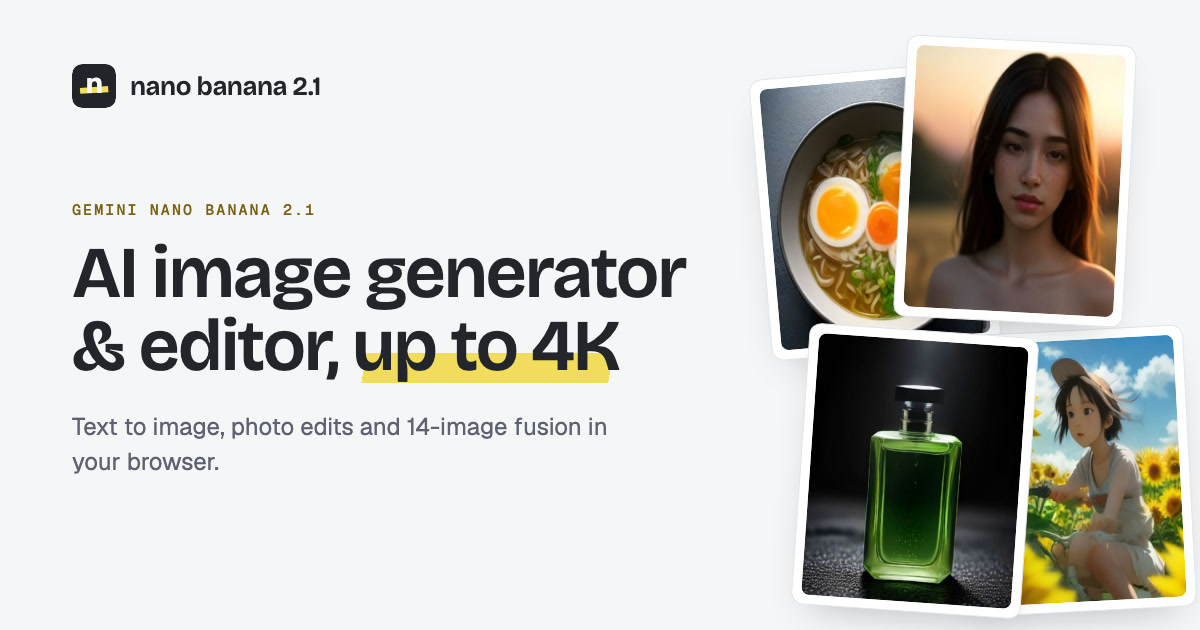
- Text-to-image: Nano Banana 2 and Seedream 4 offer 1K / 2K / 4K quality levels and multiple aspect ratios.
- Shared credit balance: video and image models draw from one pool, and the cost is shown before you generate.
- Scene and prompt references: the homepage includes sample scenes and composition ideas you can adapt.
- Saving and downloads: registered users can reopen results in My Creations; guests should download from the current page before leaving.
Common use cases
- Short-form creators describe a subject, camera move, and lighting, generate one shot, then finish captions or music in another editor.
- Ecommerce or marketing teams write product material and lighting notes to trial a close-up or ad opening before committing to a shoot.
- Content teams that need 9:16 clips pick that aspect ratio first, generate a short take, then hand it to social scheduling.
- Character or mood explorers use the image models to draft portraits or stills and compare lighting before locking a look.
Who is it for?
- Independent creators who iterate shots and framing through prompts.
- Marketers who need low-cost visual direction checks for ads or product scenes.
- Users who occasionally generate short assets from a mobile browser.
- A poor fit for teams that need full timeline editing, multi-track audio, or collaborative review workflows.
- A poor fit if you require unlimited free generation or a workflow centered on uploading real product photos for editing—the current product is text-first.
How does it compare to similar tools?
Use three practical checks: whether you accept choosing among connected models and spending credits instead of locking into one exclusive model; whether short clips or stills are enough; and whether exporting to another editor is acceptable. If you need music, captions, and final delivery in one surface, the official site emphasizes generation and download more than end-to-end finishing.
FAQ
Q: Which generation models does PavoAI support right now?
A: The live site currently lists four connected models: Seedance 2.0 and Wan 2.7 for video, plus Nano Banana 2 and Seedream 4 for images. Treat the generator UI as the source of truth for available options.
Q: How does PavoAI pricing work?
A: The pricing page offers one-time credit packs (starting around $9.90) and monthly or yearly plans. Credits are charged by model and quality. Expiry and plan details follow the pricing FAQ.
Q: Can I use it without registering?
A: Guests can generate and download on the current page, but results may be lost after refresh or leaving. A registered account can keep creations in My Creations.