


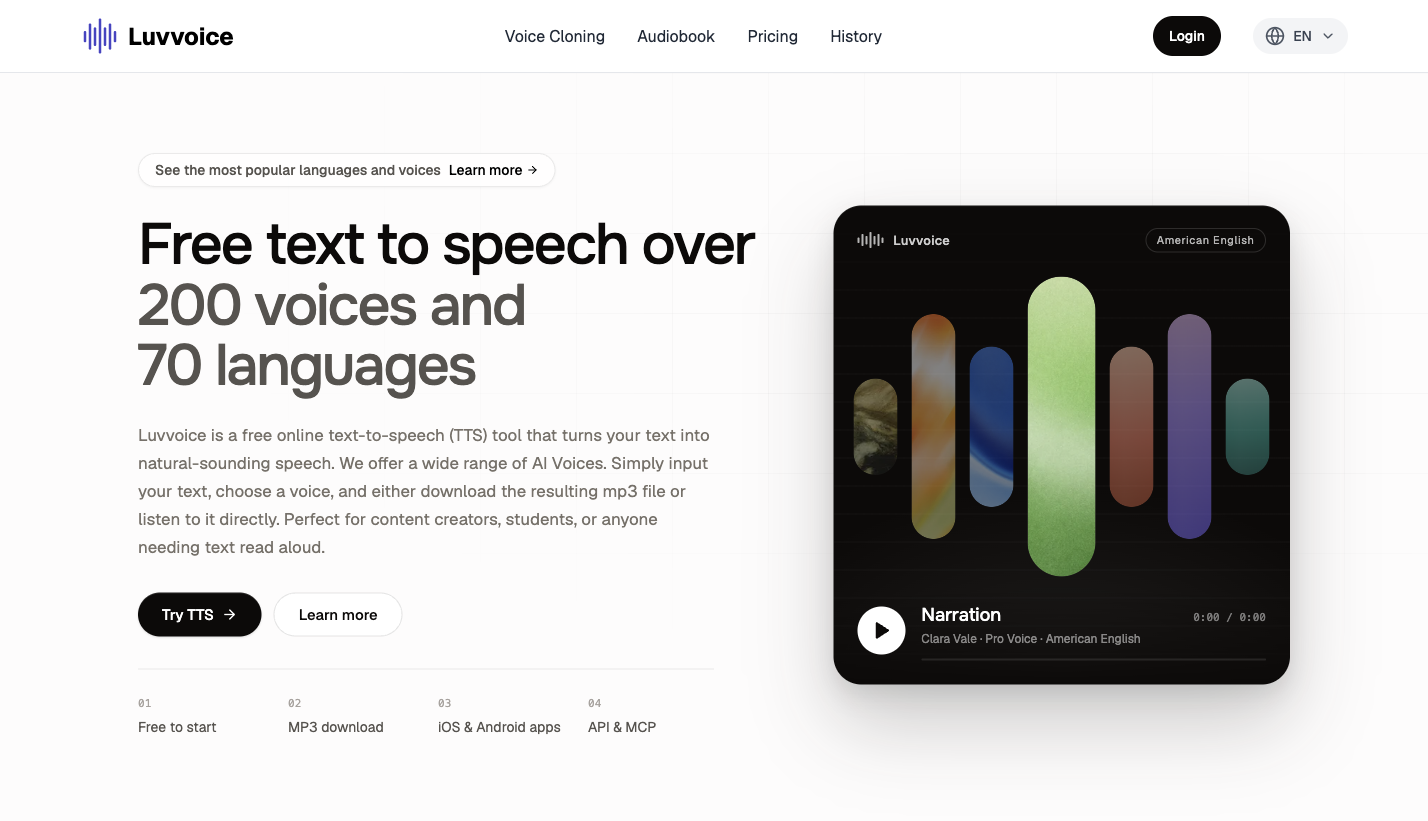
What is this website?
Luvvoice is a browser-based online text-to-speech (TTS) tool. Paste a script or passage into the editor, choose a language and voice, preview the result, and download it as an MP3. The site covers 70+ languages and 200+ preset voices, and also extends into voice cloning, document-to-audiobook conversion, and a TTS API on paid plans. When you need usable voiceover assets quickly without standing up a local engine first, a web tool like this is usually the lower-friction option.
Key features
- Convert text to speech in the browser, then preview and download MP3 audio
- Offer 70+ languages and 200+ preset voices, with adjustable speech rate and pitch
- Upload documents such as PDF or TXT and turn longer text into spoken audio
- Clone a voice from a short sample, then synthesize new scripts with that voice
- Unlock a TTS API on paid plans to plug speech generation into your own apps
Common use cases
- Short-video or narration creators generate multilingual voiceovers first, export MP3 files, then drop them into an editor
- Teachers convert lecture notes or reading materials into listen-along audio for prep or accessibility
- Podcast makers draft a demo with a preset voice, check pacing, then decide whether to re-record with a human voice
- Marketing or localization teams reuse one script across languages to preview multilingual promo reads quickly
- Developers on Plus or higher enable the API and wire read-aloud into an app or automation flow
Who is it for?
- Creators and short-video makers who need fast narration or voiceover drafts
- Educators and accessibility content makers who want text materials in a listen-able form
- Ops and localization teams that need multilingual promo previews or localization voice checks
- Developers who need to connect TTS into a product (API access requires a paid tier)
- Poor fit: teams that need strict legal review of voice rights and commercial terms, or that must run fully offline
How does it compare with similar tools?
When choosing an online TTS tool, looking at workflow fit usually matters more than voice count alone:
- Free quota and per-conversion limits: the free plan is about 10,000 characters per month and about 3,000 per conversion; paid plans raise the per-conversion limit to about 20,000
- Output format: whether you can download MP3 directly, and how long files are retained (the site states about 30 days)
- Extensions: whether you need voice cloning, document-to-audiobook conversion, or API/MCP access
- Clients: besides the web app, the site lists iOS and Android apps
If you only convert a short passage now and then, the free plan is often enough. For commercial use, ad removal, and API access, compare Lite, Plus, and Enterprise quotas next.
FAQ
Q: How much can I use Luvvoice for free?
A: The pricing page states that the free plan includes about 10,000 characters per month and about 3,000 characters per conversion. Upgrade when you need higher limits or API access.
Q: Can generated audio be used commercially?
A: The site FAQ says users own the generated audio. Higher plans also list terms such as unlimited commercial rights, so check your current plan and the terms of service before commercial use.
Q: How does voice cloning work?
A: Upload a voice sample of roughly 10 seconds or longer; after processing, enter text to synthesize with the cloned voice. Cloning usage is counted against the plan's custom credits.
Q: How is it different from TTS tools that only play audio in the browser?
A: Luvvoice emphasizes MP3 downloads and also offers document-to-audiobook conversion, voice cloning, and a paid API, which makes it easier to plug audio into editing or application workflows instead of only listening on the page.


