
What is this website?
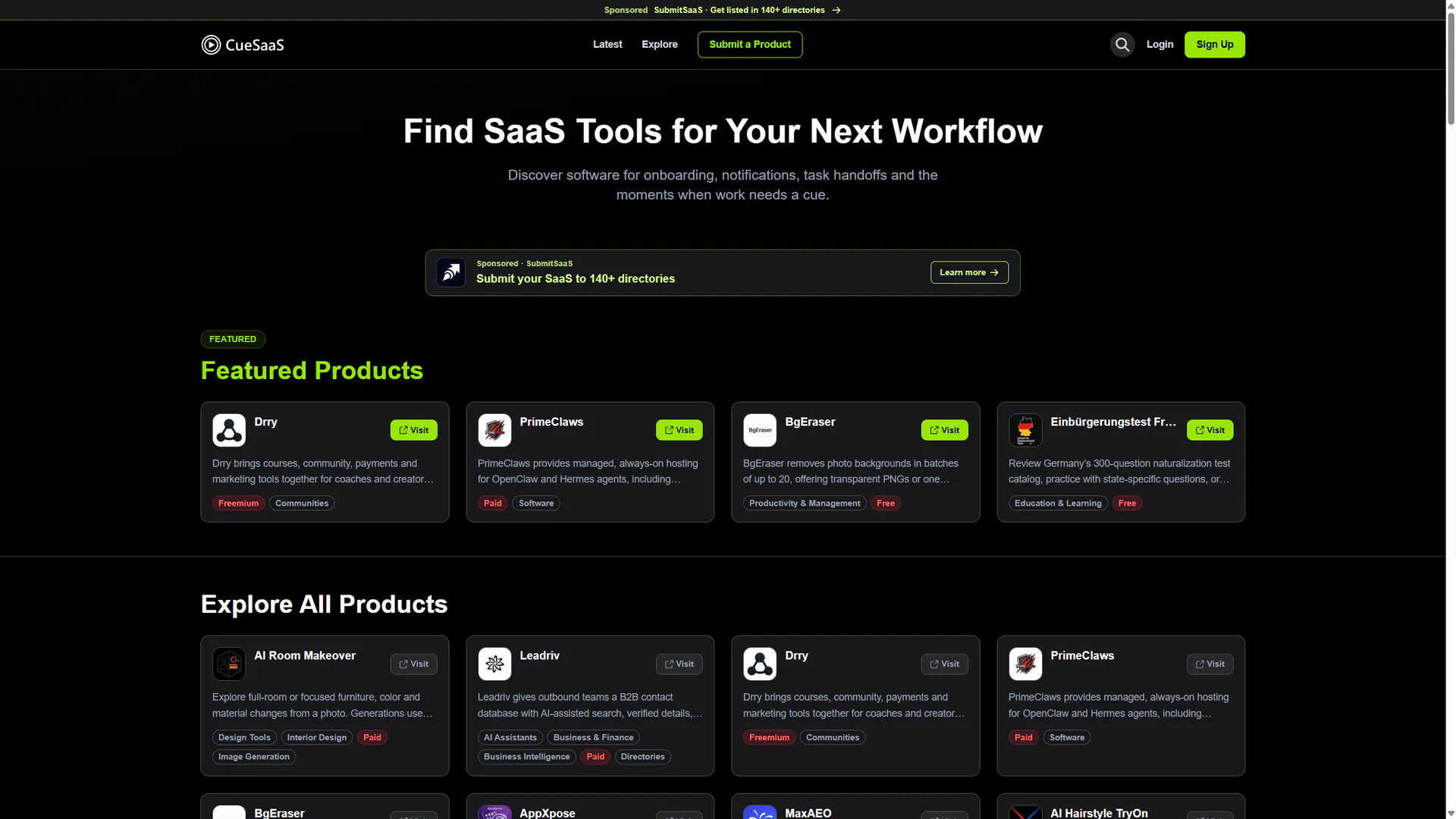
CueSaaS is a browser SaaS directory organized around workflow moments such as onboarding, notifications, reminders, and task handoffs.
Listings are grouped by category and pricing tags. You open a profile, then follow the vendor link to confirm features, price, and rules. It helps you shortlist tools; it does not host your alerts or tickets. Browsing the public catalog does not require payment. Submitting a product requires a login, and the published terms do not state a listing fee. It is not a substitute for each vendor’s docs, trial, or compliance review.
Key features
- Browse listings by category and narrow them with Free, Freemium, or Paid tags.
- Read third-party write-ups on a profile page, then visit the vendor site.
- Sign in to submit a product, including what it does, who it is for, and which job it helps finish.
- Terms allow CueSaaS to review, edit, or remove listings and do not guarantee that third-party copy stays accurate.
- Public pages are searchable in the browser with no client to install.
Typical use cases
- An operations lead listing notification tools for unassigned requests, then testing a real trigger on each vendor site.
- A team comparing onboarding or handoff software with the same task, such as a missed-deadline test alert.
- An independent maker signing in to submit a profile so browsers can find it by category.
- A buyer treating a listing as a checklist while still confirming delivery rules, quiet hours, and escalation in vendor docs.
Who is it for?
- Ops, success, or internal-tools owners who want a shortlist and will verify on official sites.
- Software teams whose product fits workflow cues and who want a categorized listing.
- Anyone scanning categories and pricing tags without creating an account.
- A poor fit if you need a unified inbox, routing engine, or hosted notification pipeline; CueSaaS does not run those systems.
- Also a poor fit if you would treat directory copy as live pricing or a security certification.
How does it compare?
Compared with general AI directories, it frames discovery around onboarding, notifications, reminders, and handoffs, including FAQ guidance for those jobs. Compared with review databases, it offers profiles and outbound links rather than scored tests. Use a listing to narrow options, then finish due diligence on the vendor site.
FAQ
Q: Can I buy software on CueSaaS?
A: No. Accounts, billing, and contracts stay on each product’s own site. The directory supplies descriptions and links.
Q: Does submitting a product cost money?
A: The submit page requires a login. Public terms and the submit copy do not list a listing fee. Acceptance remains CueSaaS’s decision.
Q: What do the pricing tags on cards mean?
A: They describe the listed product’s own model (Free, Freemium, or Paid), not a CueSaaS subscription tier.